


Record time faithfully—without making timekeeping complicated.
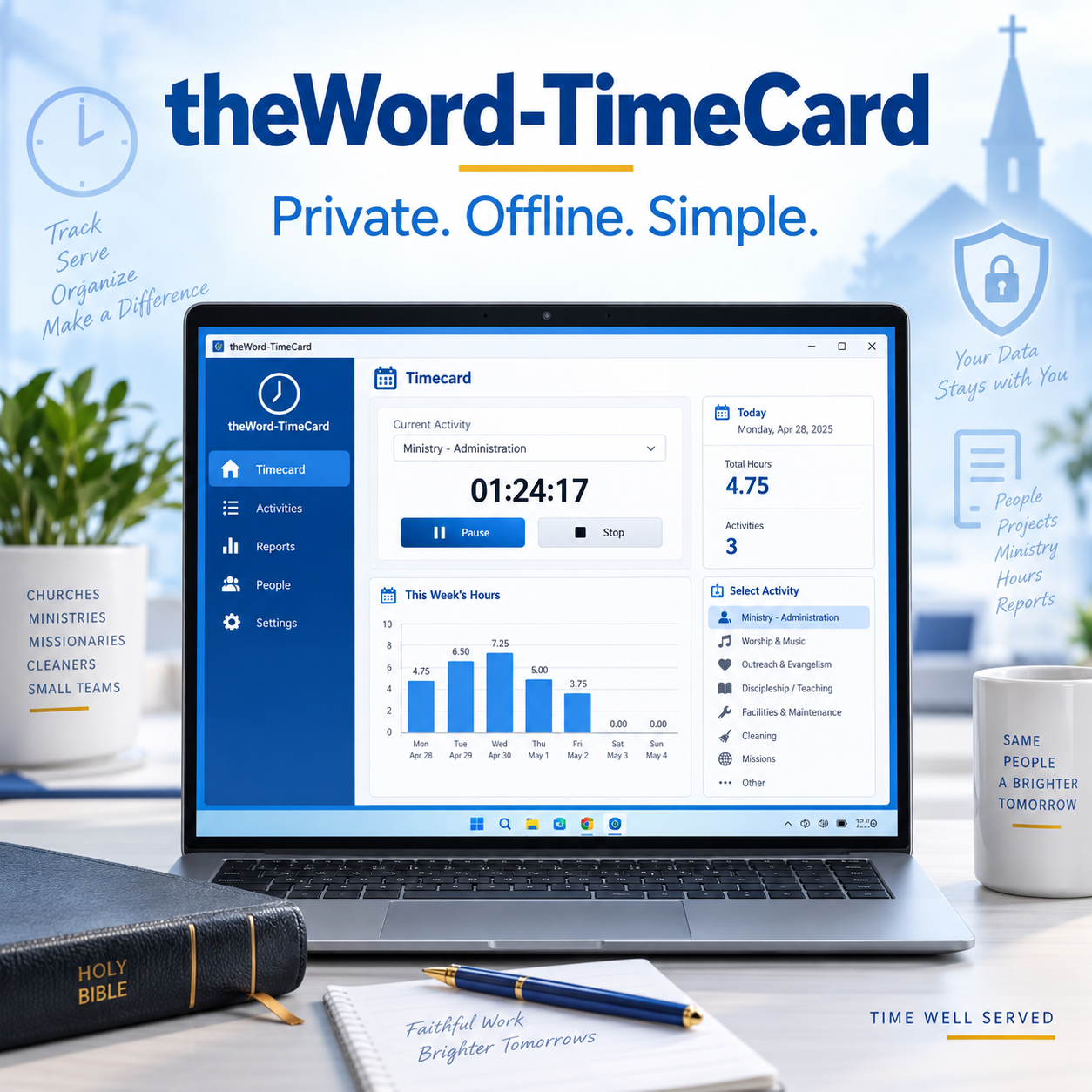
theWord-TimeCard is a straightforward Windows time tracker for churches, ministries, missions, small teams, and individual workers. It keeps hours, activities, and work notes organized on the device, with no online account, subscription, or internet connection required.
Use it for pastors, missionaries, ministry staff, cleaners, maintenance workers, office staff, volunteers, and anyone who needs a clear personal timecard.
Easy daily timekeeping
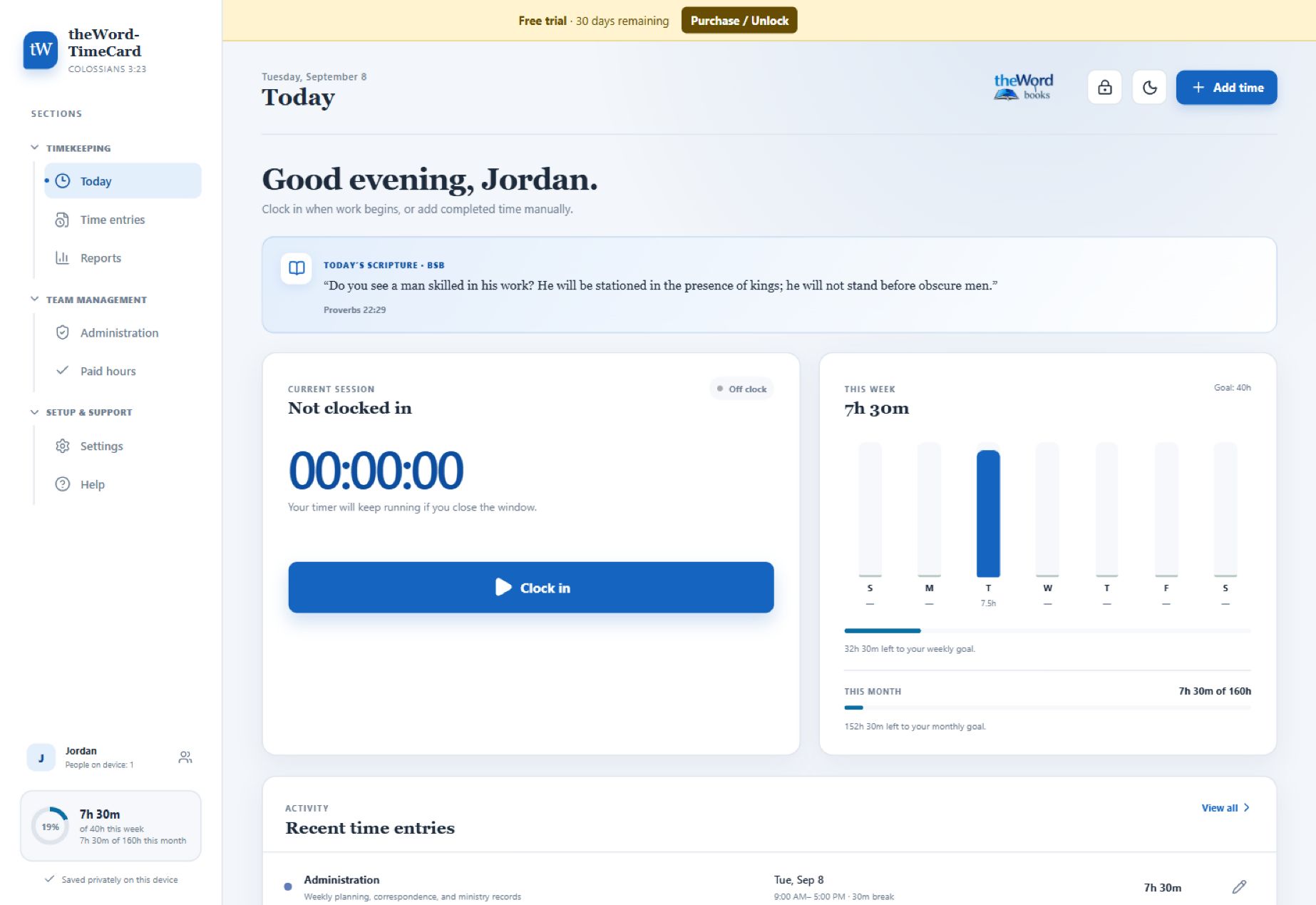
- Clock in and out with one click
- Pause for lunch or another unpaid break
- Select the activity being performed
- Add notes describing completed work
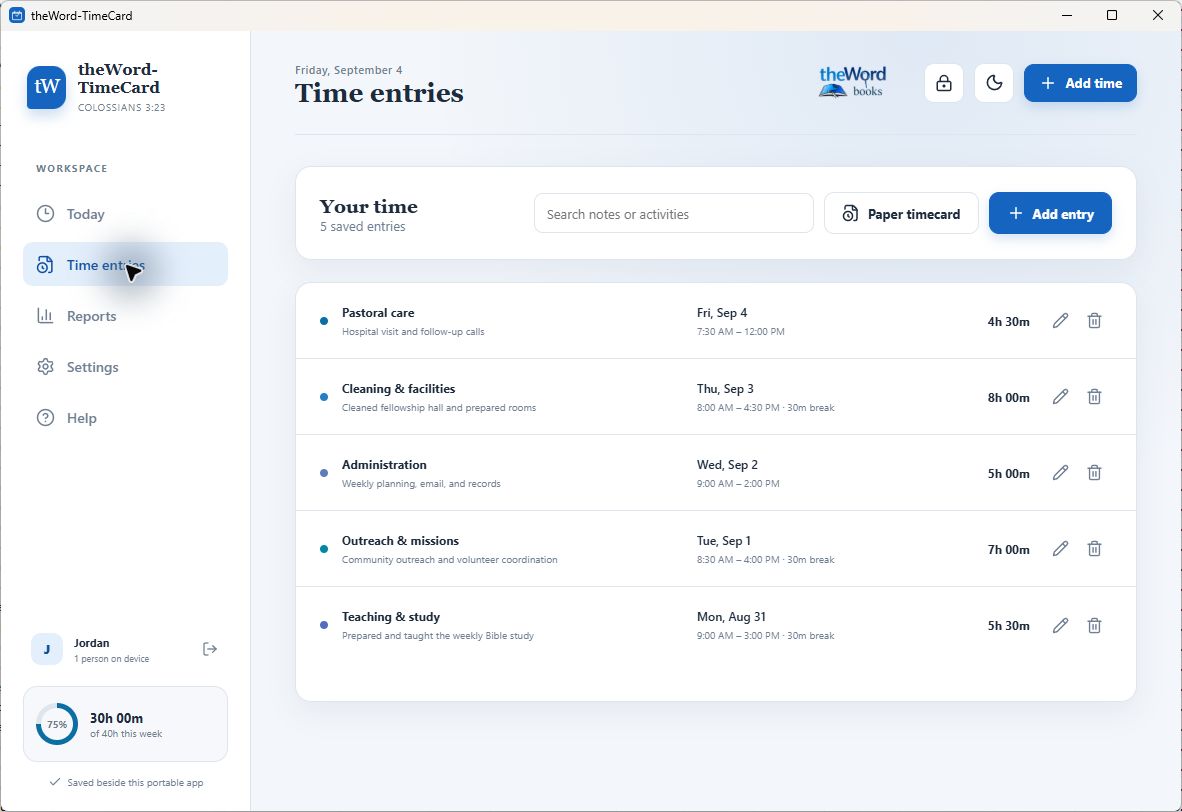
- Add, edit, search, or correct time entries manually
- Track separate weekly and monthly hour goals
Multiple people, one device
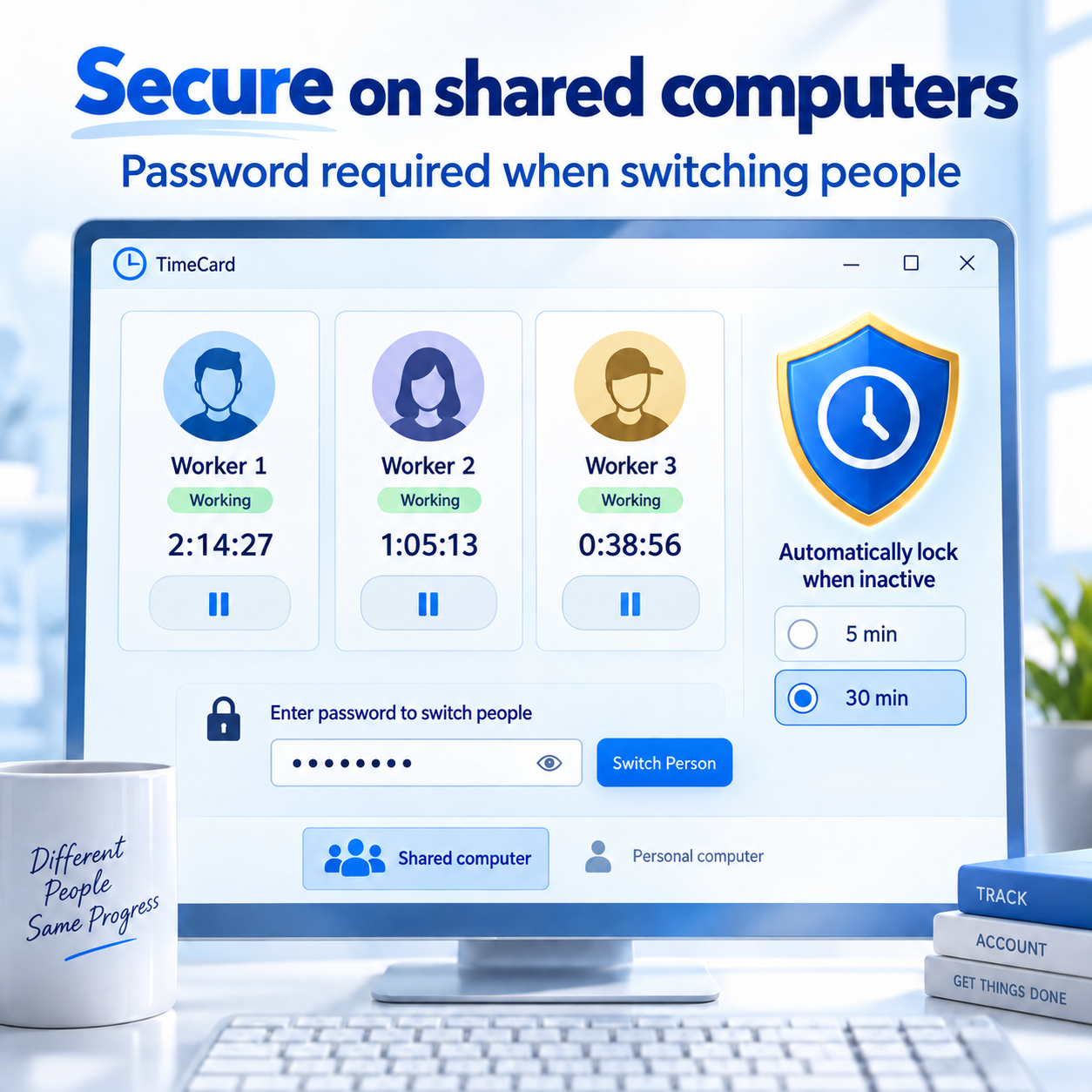
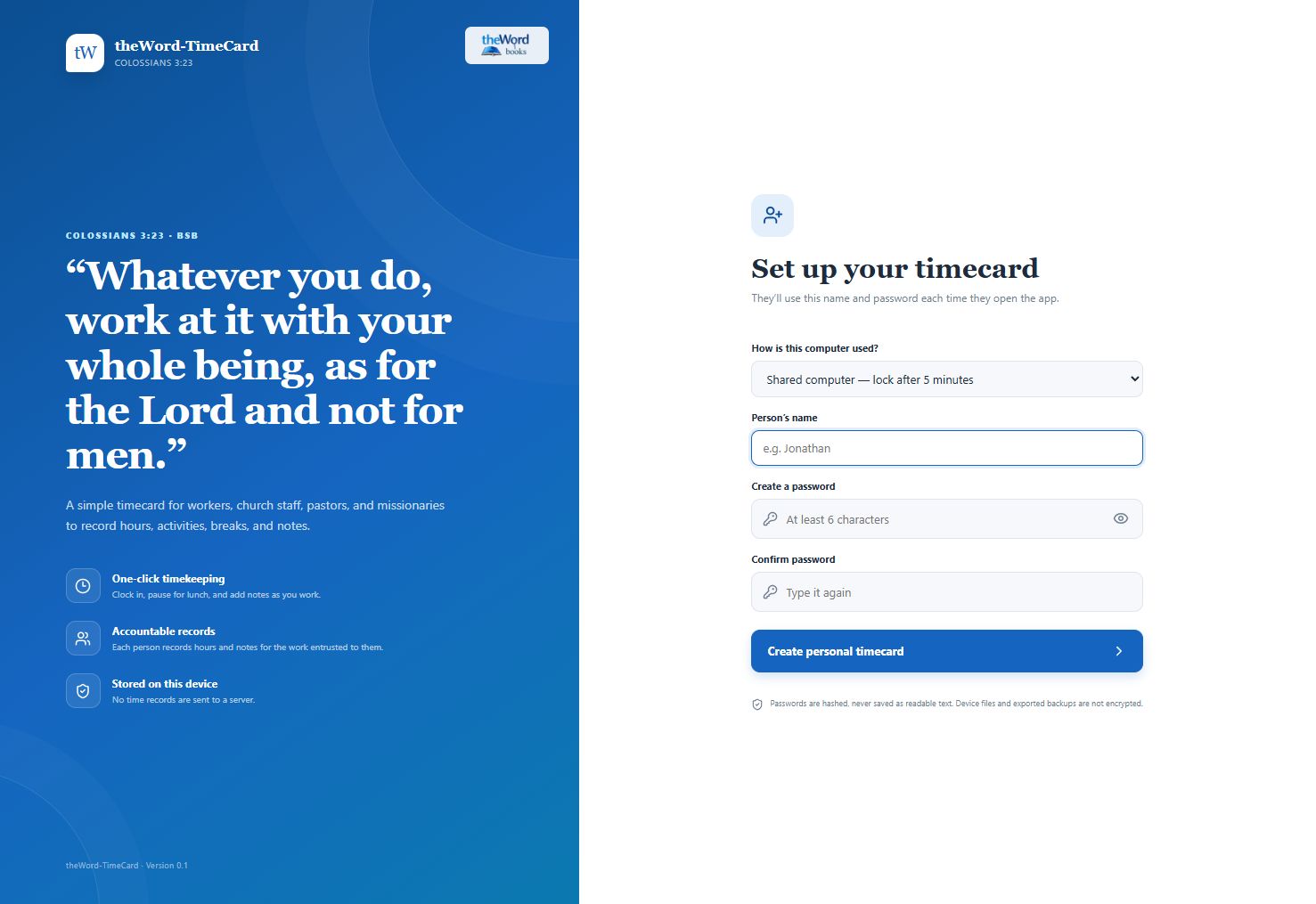
Each person receives a separate password-protected profile, and switching to another person requires that person’s password each time. Active clocks continue independently when users switch. The first profile created becomes the device administrator.
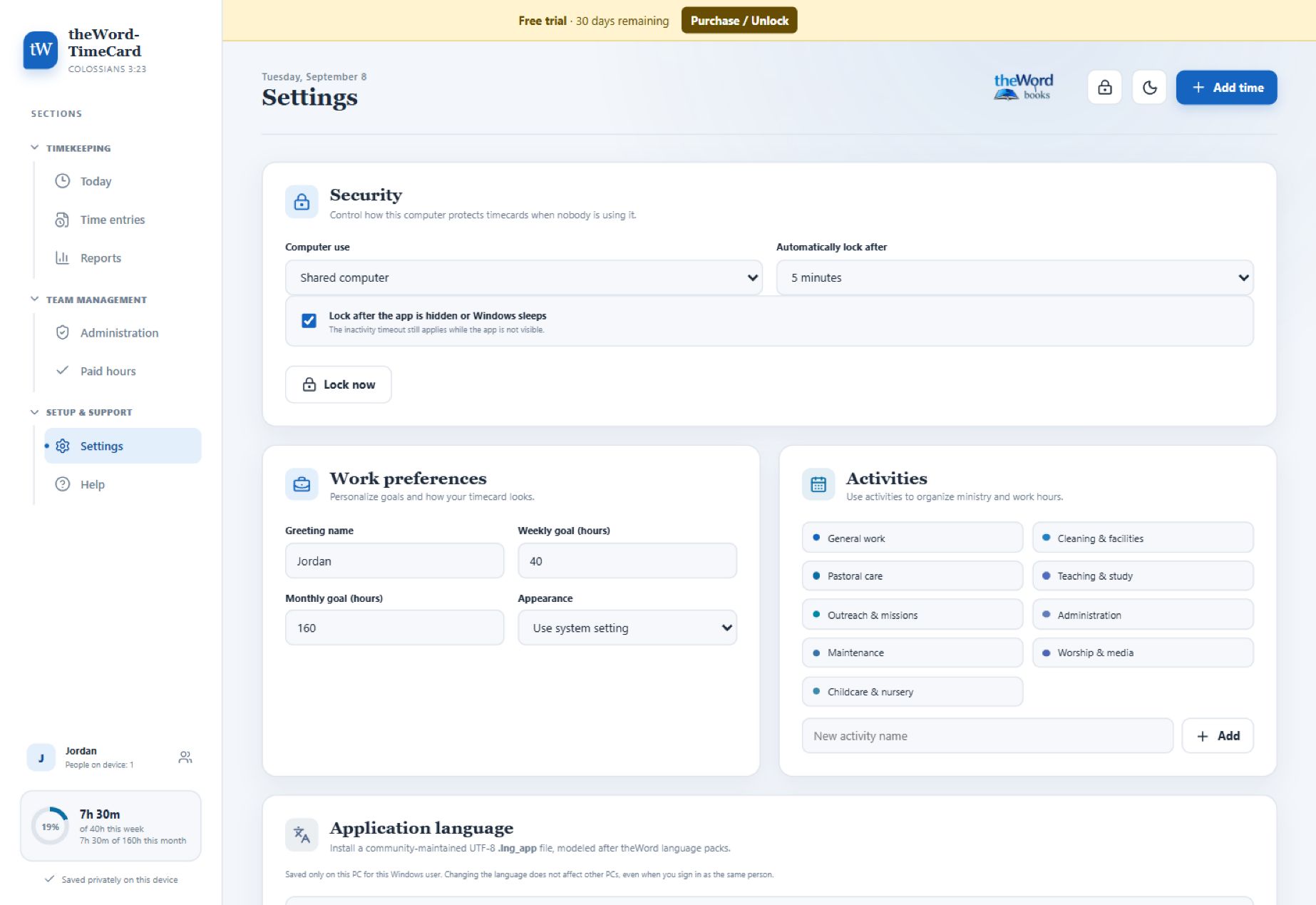
Choose Shared or Personal computer security during setup. Shared computers default to locking after 5 minutes of inactivity; personal computers default to 30 minutes. The timeout can be changed from 1 to 60 minutes, the app can lock after being hidden or after Windows sleeps, and users can lock it immediately. Active clocks keep running while the interface is locked.
Only signed-in administrators can add people after first-time setup and assign Administrator, Manager, or Worker roles. The Administration area shows each person’s role, current clock status, weekly total, and completed records. Managers can review records, enter paper timecards, and prepare payroll exports. The administrator’s Paid hours page lists outstanding hours by person and can record paid hours or exclude volunteer time, without transferring money.
Profiles can include an email address, phone number, payee name, and payment mailing address. Administrators and managers can view this local directory, and the details can be included in the payroll export.
Clear reports and payroll exports
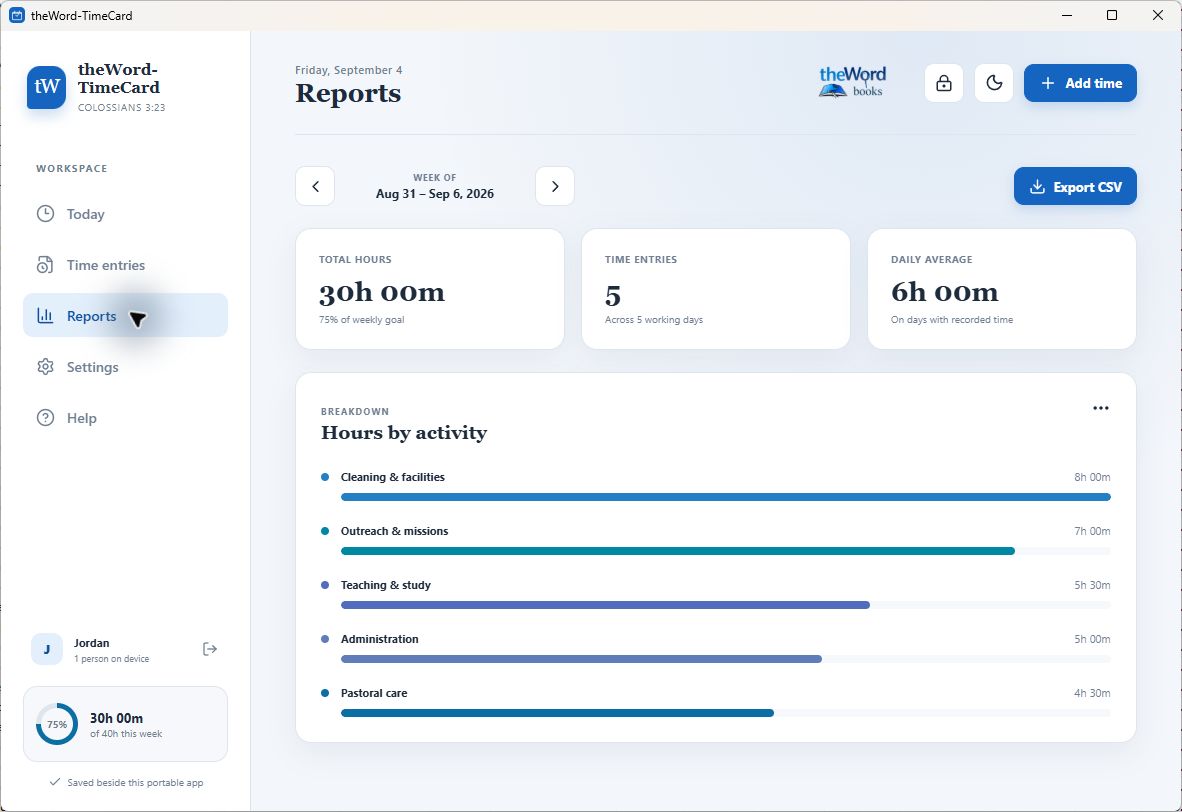
- Weekly totals and daily progress
- Hours summarized by activity
- Searchable time entries and work notes
- Personal CSV reports for recordkeeping
- One Excel-ready weekly payroll CSV covering every person
- Optional payroll rounding to 5, 10, 15, or 30 minutes
- Nearest, round-up, or round-down methods, with exact hours retained
- JSON backup and restore
- 30 bundled machine-assisted interface translations with editable community
.lng_appfiles
Ready for multilingual communities
Choose from 30 bundled language drafts covering navigation, forms, help, and interface messages. These are machine-assisted translations; community review and corrections are welcome. Language packs are editable UTF-8 .lng_app files, so translators can update them without rebuilding the application. Each PC remembers its own language. Missing translations safely fall back to English, and names, notes, and imported Bible text remain unchanged.
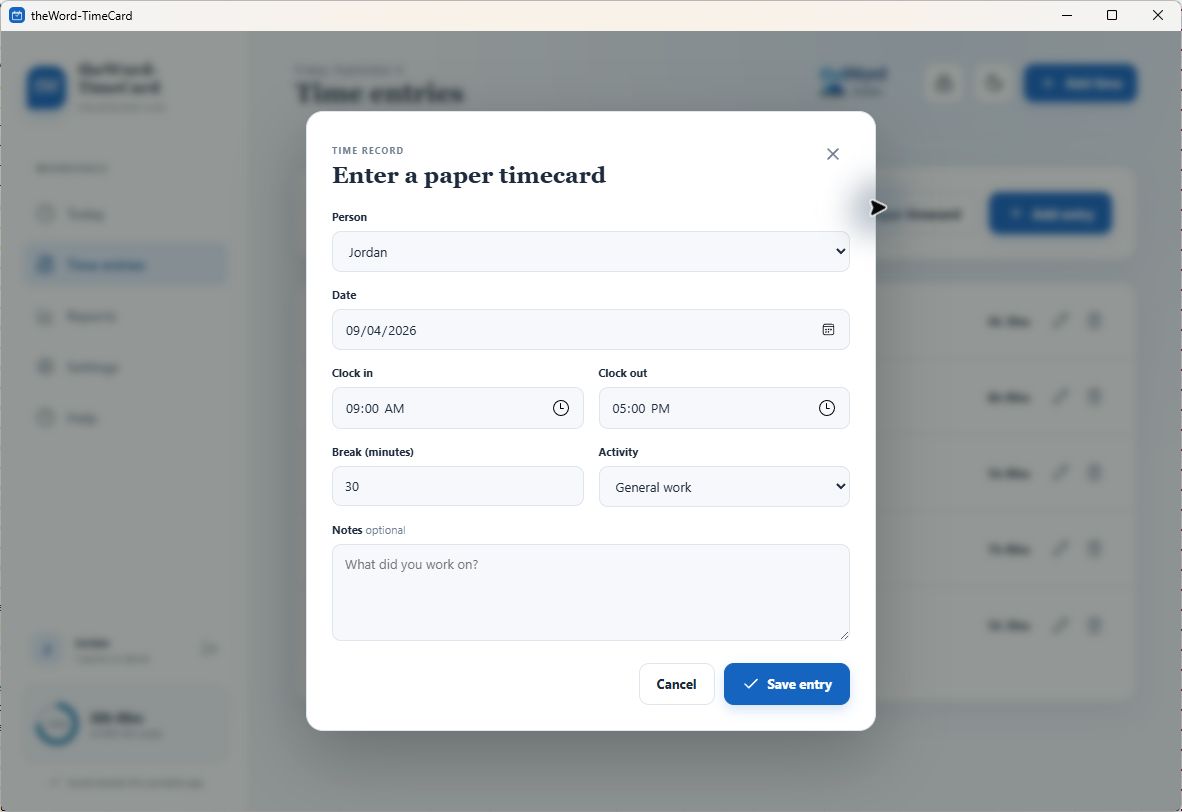
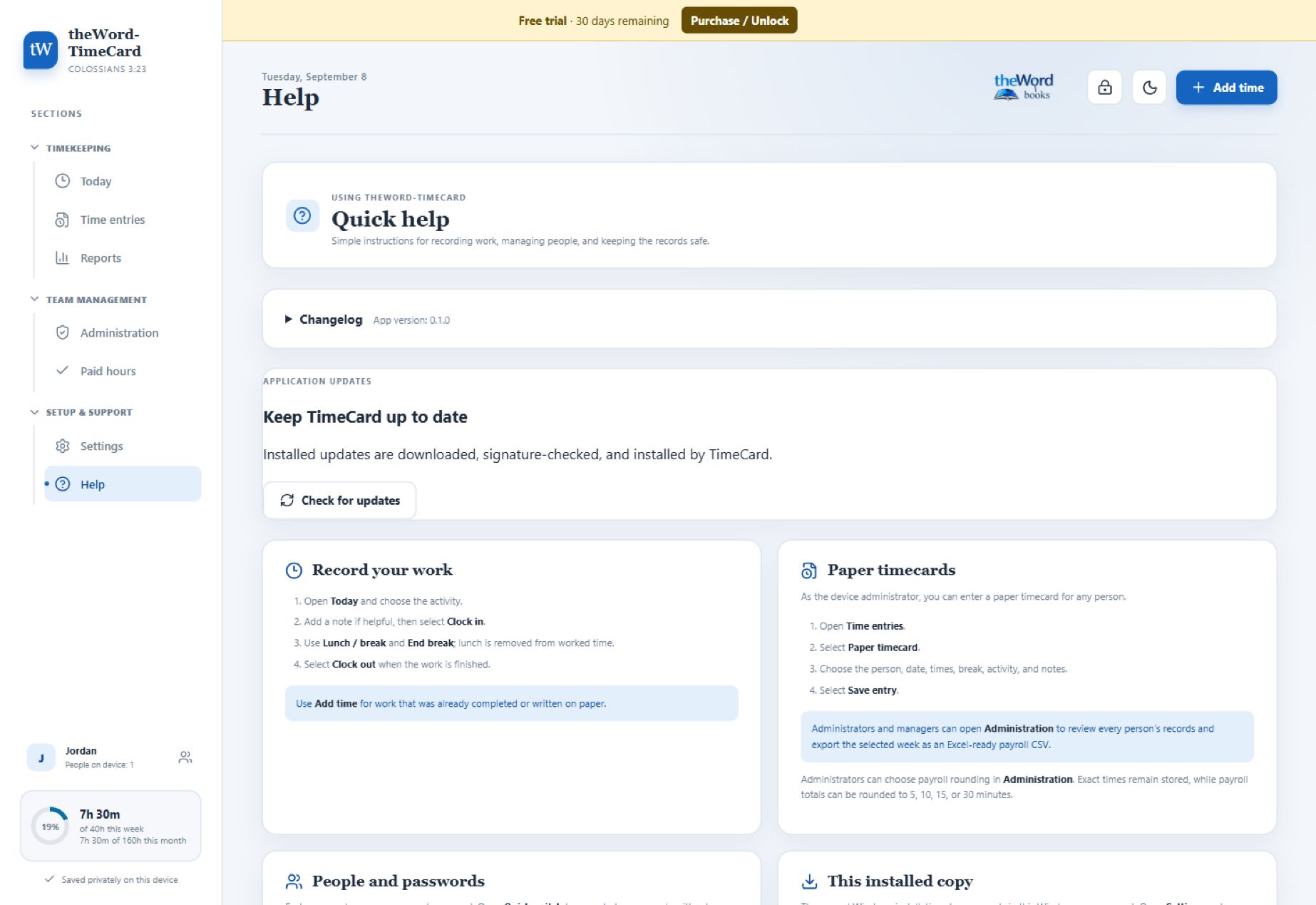
Enter paper timecards
An administrator or manager can enter a paper timecard directly for another worker without opening that worker’s personal profile. Record the date, start and end times, break, activity, and notes in one place.
Scripture reminders for the workday
A work-related Bible verse can appear on everyone’s Today page as a daily reminder. Administrators manage the shared on/off setting, verse list, and Bible selection in Administration. The full public-domain Berean Standard Bible is included for offline lookup, with six starting reminders. Enter a verse reference to preview and add its BSB text automatically. An administrator can also import a complete, unencrypted theWord .ont Bible to use another translation. Encrypted .ontx modules are not supported.
Private, local, and offline
Your time records are stored locally and are not uploaded by the application. Profile passwords are protected with salted PBKDF2-SHA-256 hashes and are never stored as readable text.
Timecard data and exported JSON backups are not encrypted. Protect the Windows account, device, portable folder, and backup files as you would any other sensitive business records.
Install it—or carry it with you
Your download includes two Windows options:
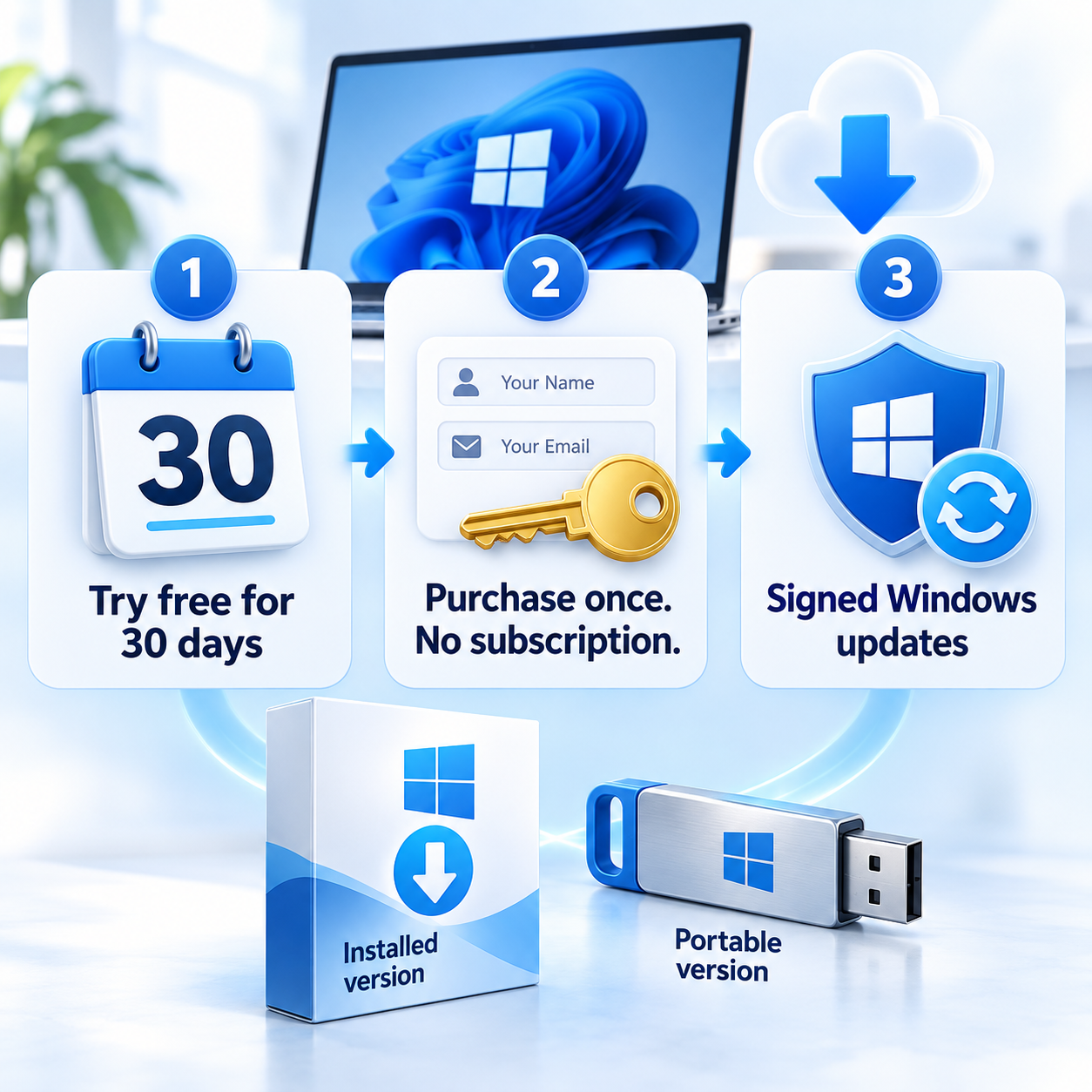
- Installer version: installs normally with Windows Start Menu integration and stores data in the user’s private application-data area.
- Portable version: runs without installation and keeps the program and its records together in one writable folder—ideal for a USB drive or easy transfer between Windows computers.
When the portable folder is synchronized through Google Drive, each PC keeps an independent change journal and the app combines record-level updates from all devices. This supports multiple workers without having every computer overwrite the same database file. Synchronization speed still depends on Google Drive.
System requirements: Windows 10 or Windows 11. A writable folder is required for portable use. Windows normally includes the Microsoft Edge WebView2 runtime used by the application.
No subscription. No cloud account. No internet connection required.
Try every feature free for 30 days. After the trial, purchase once and unlock TimeCard with the exact full name, email address, and 20-character unlock key supplied with the order. Installed Windows copies can securely check for signed updates; portable copies link to the latest download so their data folder is never overwritten automatically.







Reviews
There are no reviews yet.